Sunday, 20 January 2013

Research and Planning: Location Shots

Here are the shoots I took on location in the local park,for this shoot I used 2 cameras a bridge camera as well as an SLR, I choose to use the bridge camera as well because of some of the features that are not available on the SLR and also because of the auto focus it has.

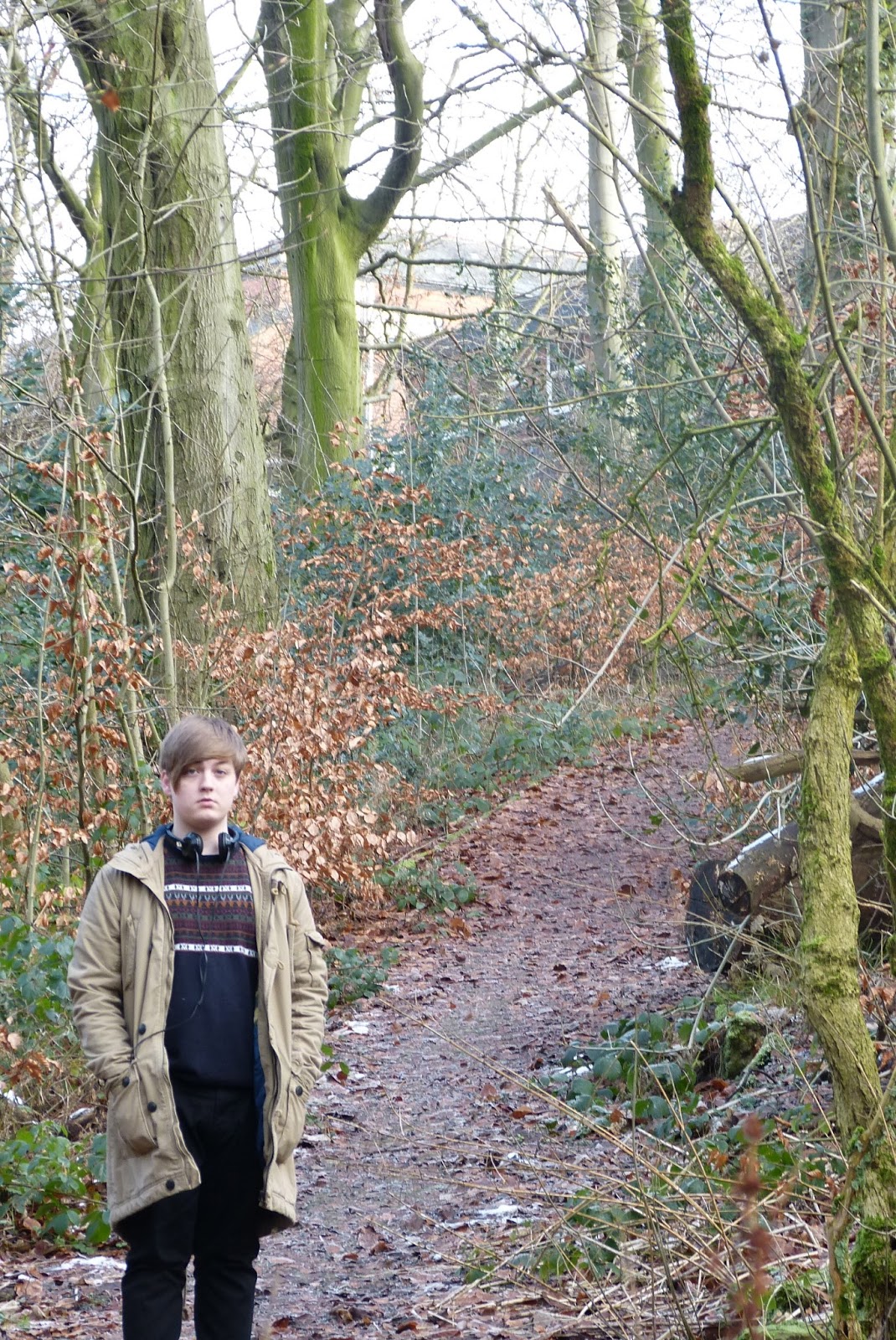
The first set of shots are a long wide shot giving the location of the shoot as well as a full body shot of the model 


I live the image because of the trailing path behind him with the trees hanging over giving depth and adding of colour I don't like the body posture and facial expression of the model though

This image I like for the same reasons as above with the depth and colour added to the image 

The images below are taken on the bridge camera with the auto focus as you can see it has focus on the things in the foreground, blurring out the model behind.  


This image I was going to use initially for my double page spread because of the large wall space where i could overlay the text but the model is looking away and it didn't fit the article I was writing 


This image I am going to use because it a wide shot allowing me to overlay text on the right hand side. it also gives depth  to the image and the little bit of snow works well


Research and Planning:Shot locations


The first location was the media studio at Clarendon road where I used only a side light to illuminated my model giving a dark shadow across his face.


Wednesday, 16 January 2013

Research and Planning: Studio Photo's

The first set of images gave me the initial idea of what I wanted but the lighting I used was too dark, insead of using the hand lamp I opted for a studio light that will admit more and a brighter light to give the contrast between light and dark  


The angle of the photo doesn't work for what i had in mind, there's to much light on the face and you cant see the contrast between the shaded side of his face


As I moved the angle of which i started from and moved more to straight in front the contrast became more noticeable and would work for the article which the image is needed for. 


This is the image I am going to use due to the contrast between his face and the effect of the beam of light on the background. I think it will convey the message I want with a caption beneath 


The last two images i tested with the ceiling lights on as you can see it has illuminated all his face and doesn't give the effect of the shadow


Research and Planning: Progress over the last week

  This week I focused on my front cover and pictures taken for both front and double page spread.
with the front cover I added a bold impact fonts with a slight drop shadow to link with the image behind the two fonts I used are TIMES for CLASSIC and IMPACT for ROCK with the deep red line between. from just uploading this image I have noticed the deep red isn't being picked up. I will print the page out to see if its seeable or change the colour from my results.